
Try first, pay later
Users can judge realistic virtual try-on quality in a preview-first flow before buying more usage.
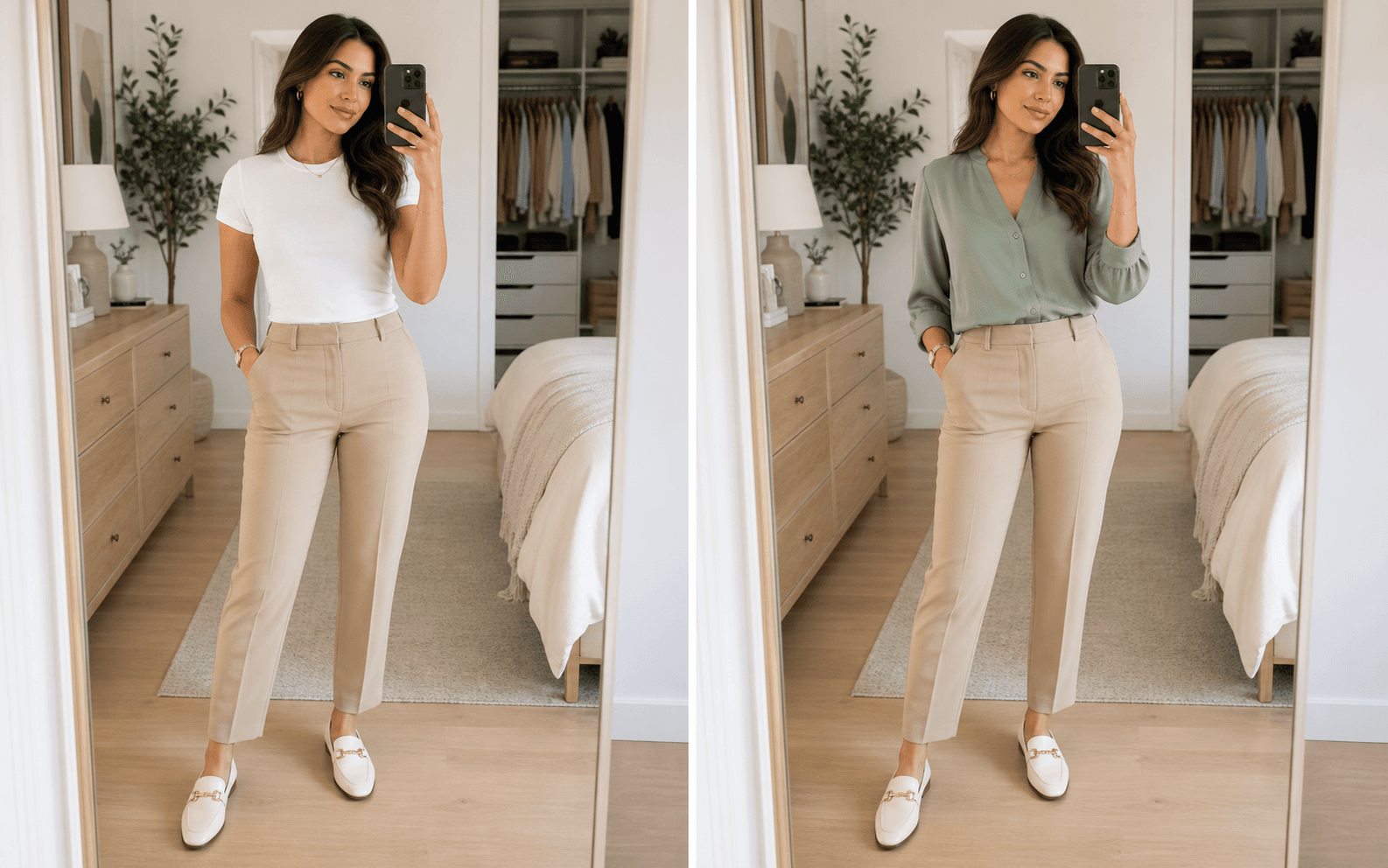
Use the AI clothes changer to swap outfits in photos instantly. Try 10+ models including plus size and men, preview realistic fabric textures, and start free before choosing a plan.
Drop an image here, click anywhere, or paste a copied image
Users can judge realistic virtual try-on quality in a preview-first flow before buying more usage.
EXIF correction is part of the product foundation to reduce Android rotation and distorted uploads.
Uploaded photos are handled with privacy-first processing and clear deletion rules.
Plus-size and men's try-on paths are treated as first-class product flows, not afterthoughts.
Start with one photo. You can upload clothing, use preset styles, or generate a new outfit from a prompt.
Use a clear selfie, portrait, or full-body image. Front-facing photos with visible clothing outlines work best.
Upload a clothing reference, pick a preset style, or describe the outfit you want to try on.
Preview the result, compare before and after, regenerate if needed, then download or unlock HD.
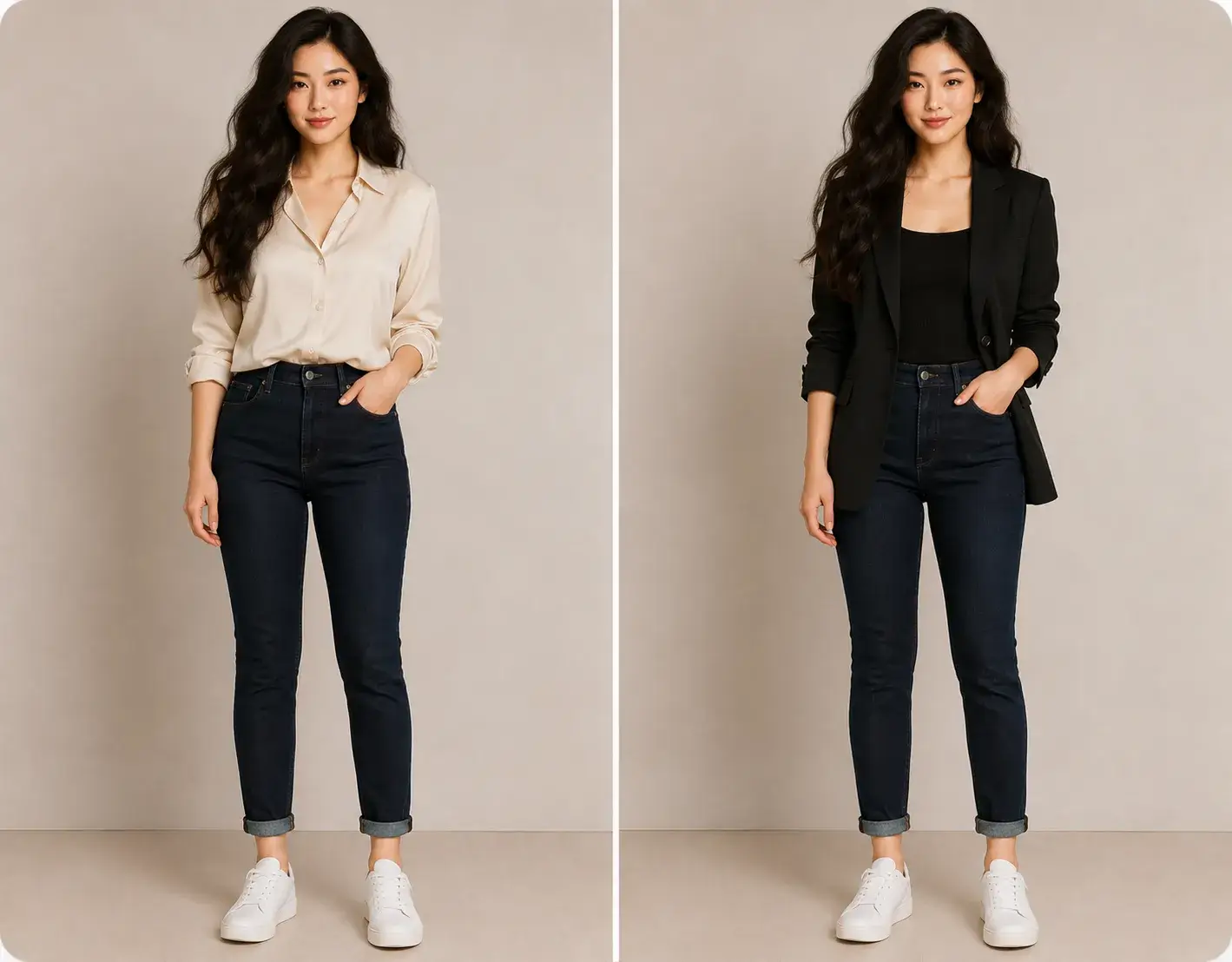
Preview everyday outfits, professional looks, and creative styles while keeping the face, pose, and lighting believable.
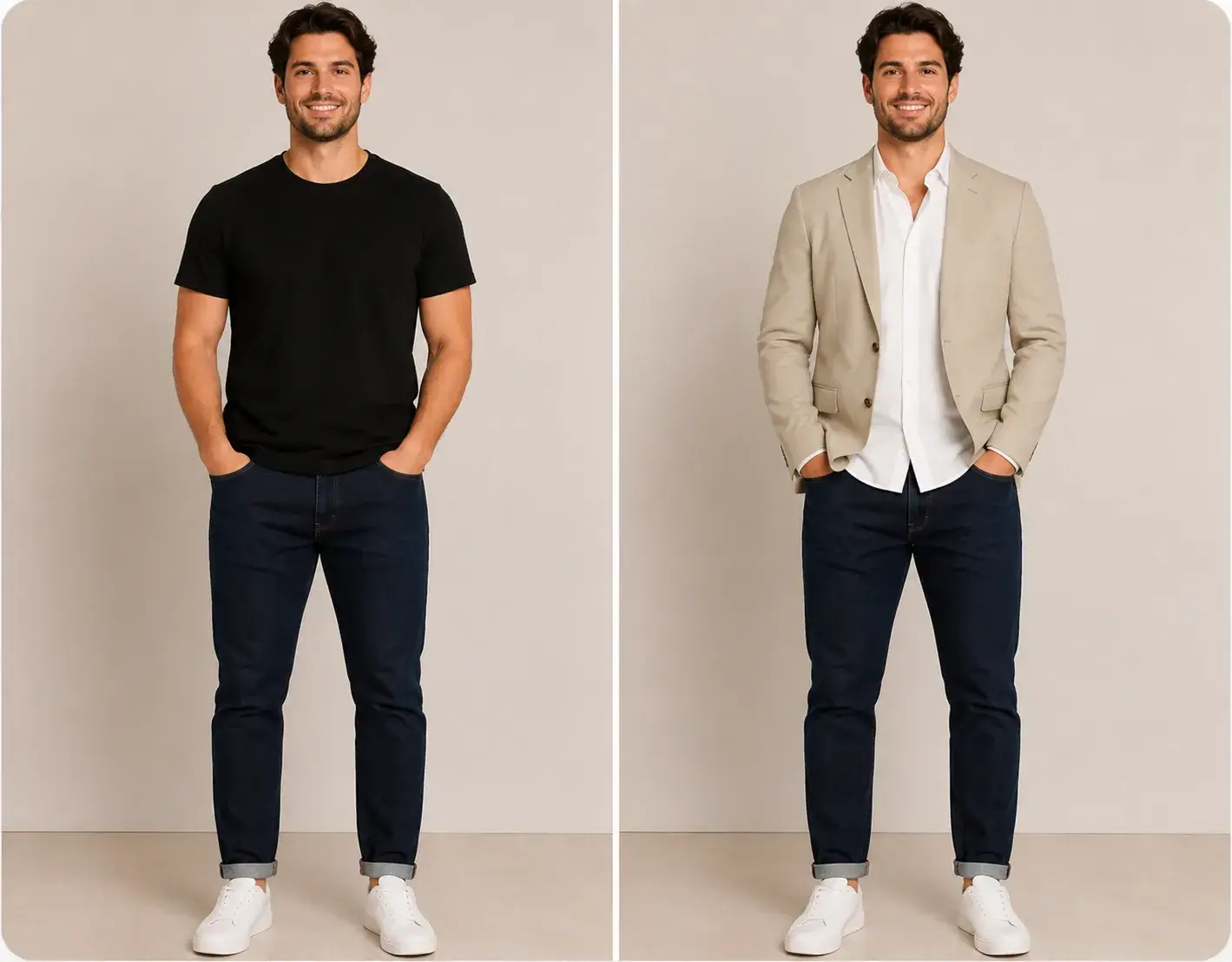
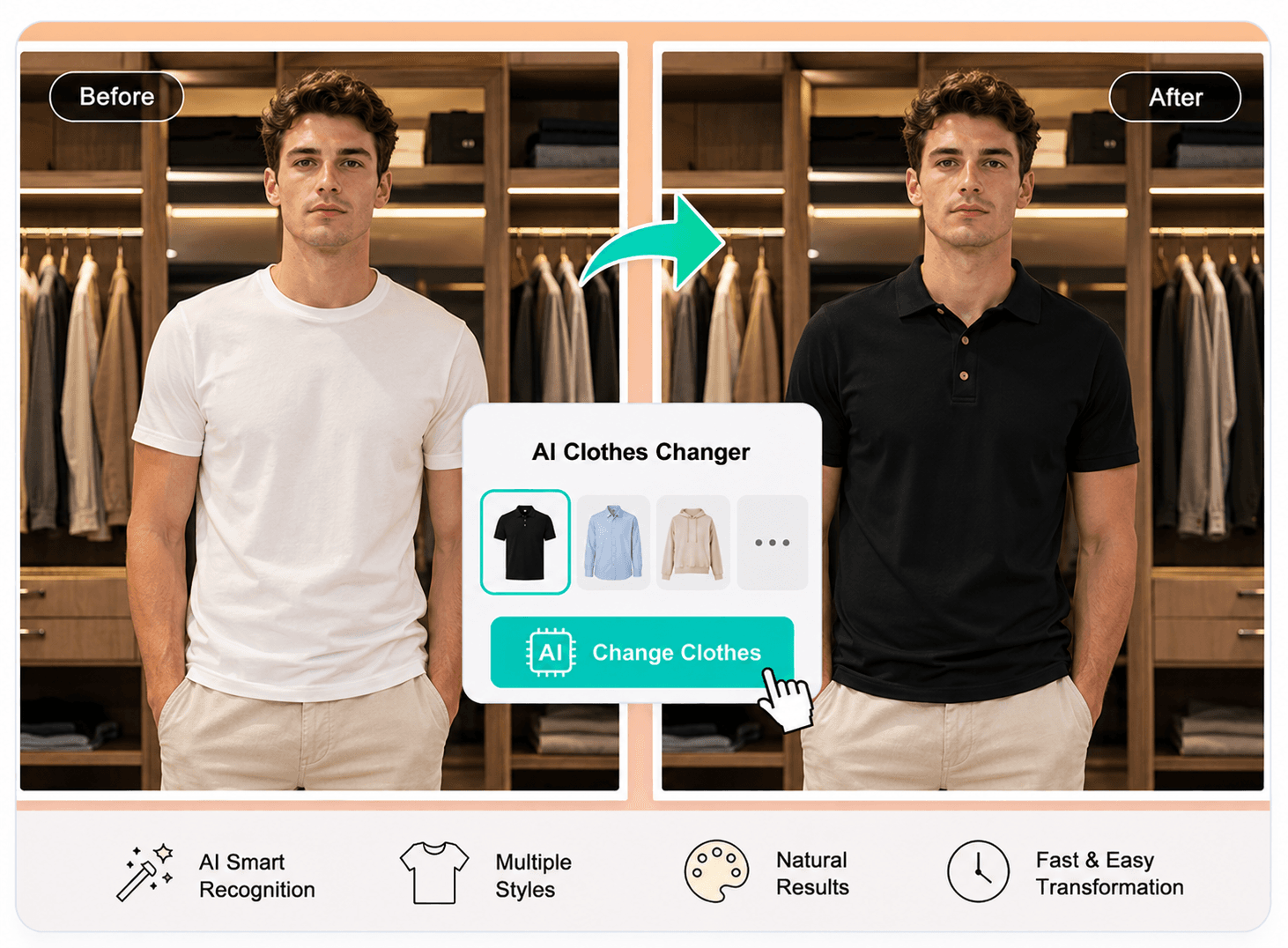
Use the men's AI clothes changer to preview clean workwear, casual layers, and sharper outfit swaps. It is useful for profile photos, shopping decisions, and everyday styling when you want to see a more polished men's look before changing clothes or buying anything.
Explore Men's Try-On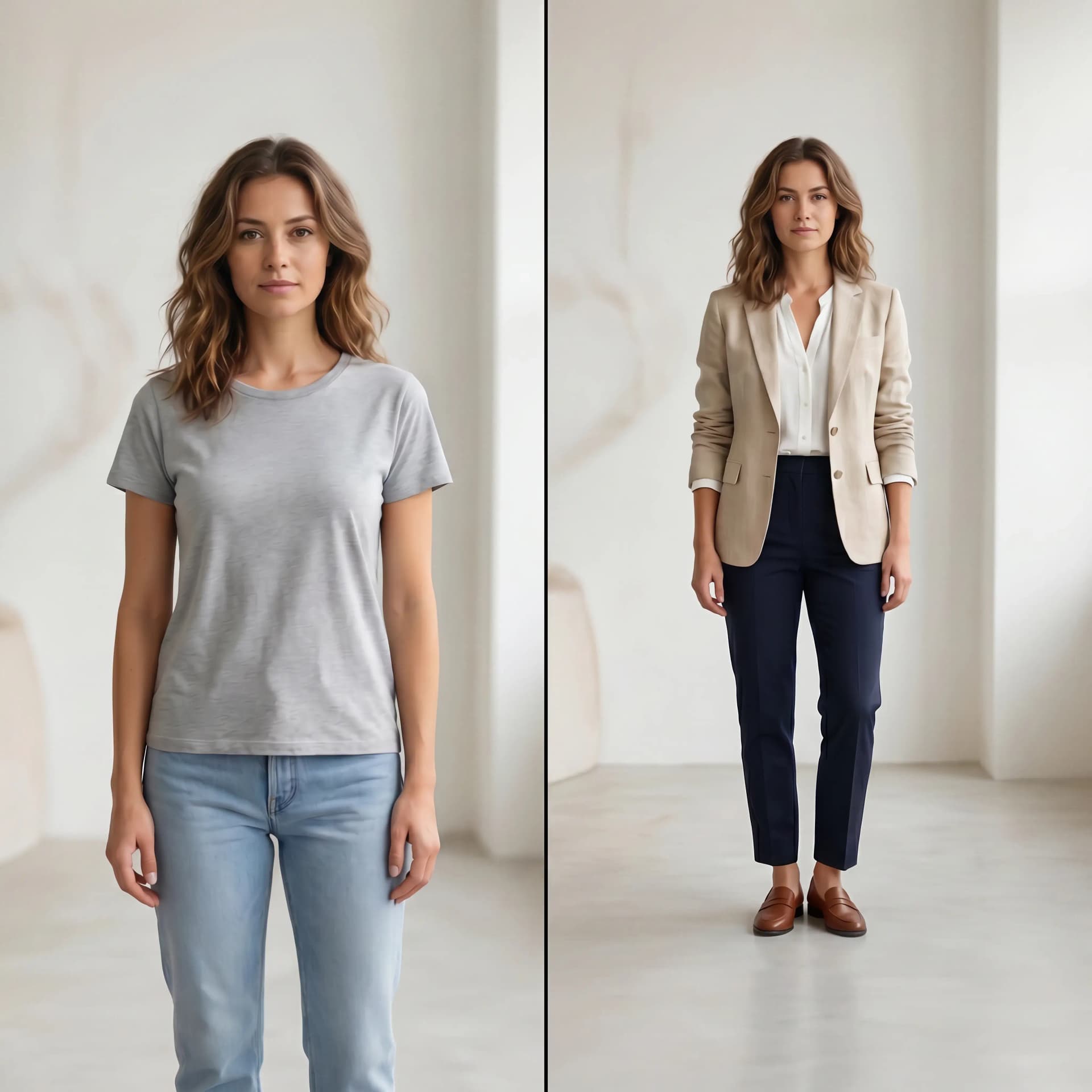
Use virtual try-on to preview shirts, jackets, dresses, and streetwear with realistic fabric drape and natural lighting. It is built for shoppers who want fewer wrong-size returns and creators who need outfit ideas before committing to a look.
Start Virtual Try-On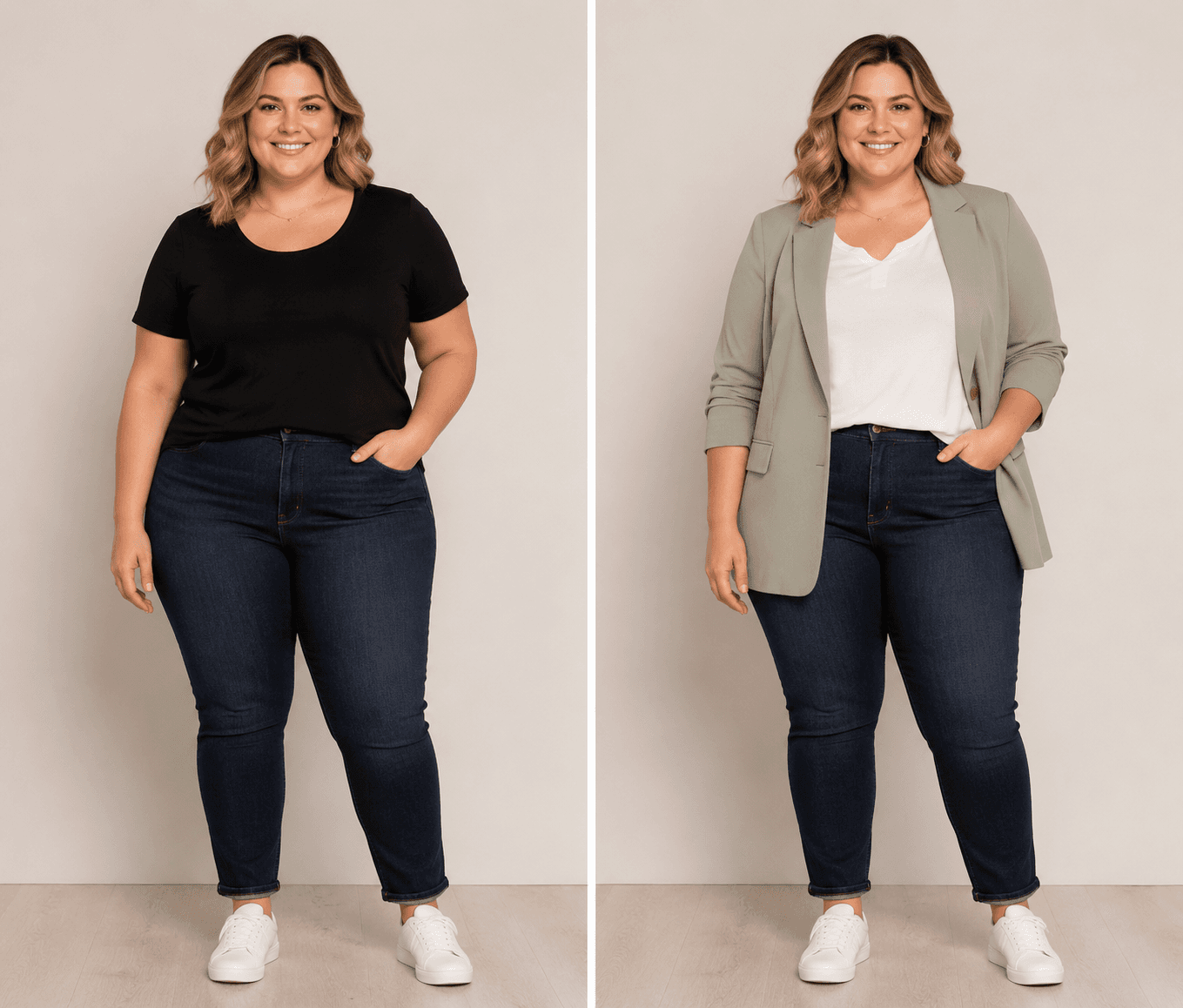
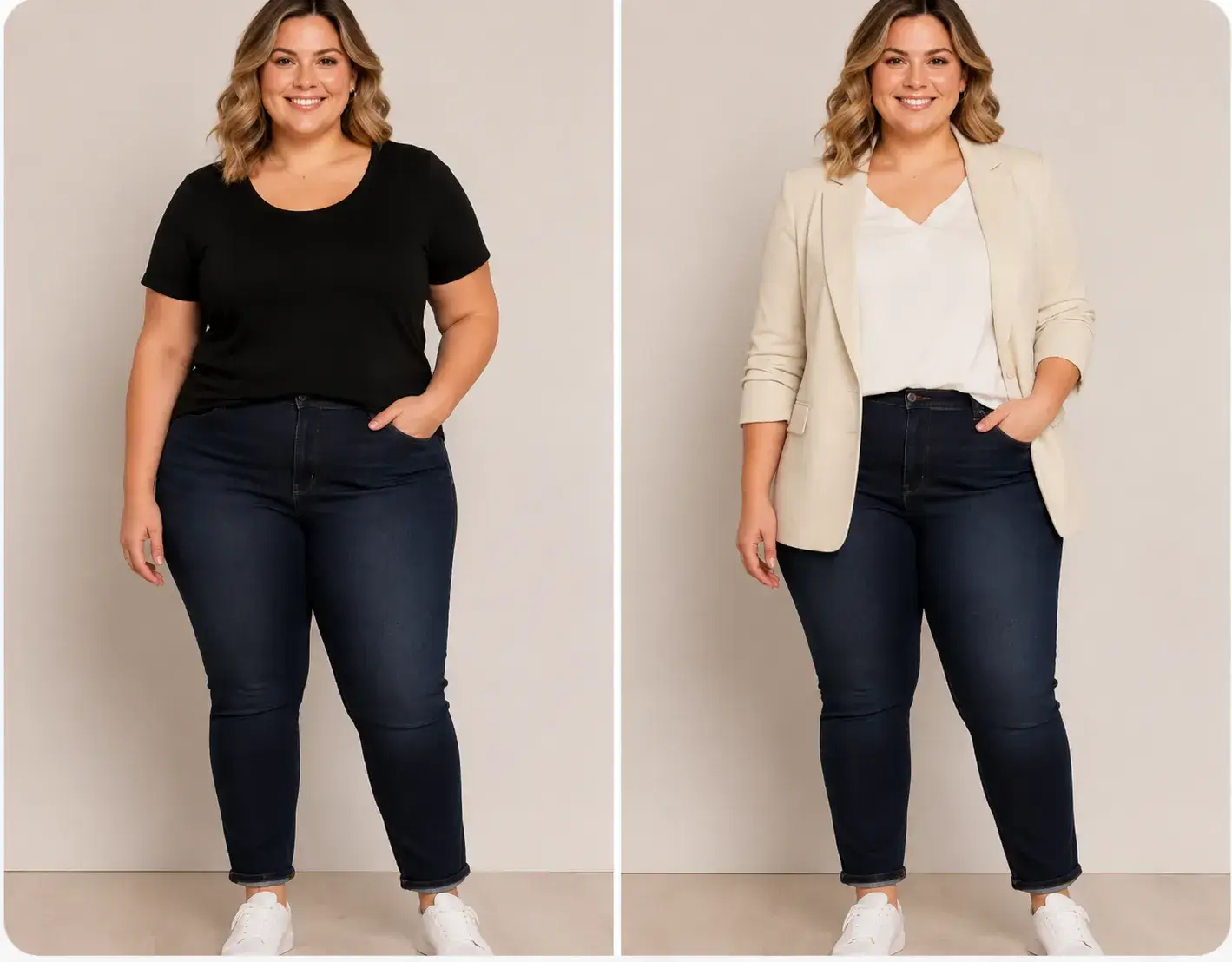
The model experience is designed to prioritize plus-size and men's fashion, so users are not forced to judge fit from one narrow model library. Upload a photo, choose the path that fits you, and preview the result first.
Explore Try-On ModelsThe first version focuses on realistic fit, mobile photo stability, clear credits, and a free preview path before checkout.
The try-on workflow focuses on believable fabric texture, drape, and lighting so outfit swaps look closer to real styling previews.
Many tools demand payment before explaining result quality. This flow keeps quality, limits, and credits clearer before upgrade decisions.
EXIF correction is part of the product foundation, reducing Android rotation and distorted upload issues.
The product experience is designed to feel clear and trackable instead of leaving users stuck on vague loading states.
Compare the details that make a try-on result useful: fabric texture, body mapping, progress clarity, and privacy before checkout.
Open the editorOften paints over clothing with flat colors or inconsistent seams.
Designed around realistic drape, folds, lighting, and garment edges.
May reshape the person or force one narrow model type.
Prioritizes plus-size and men's paths while preserving body proportions.
A vague percent bar can feel frozen during long processing.
Shows deterministic steps like garment detection and light balancing.
Often hides quality behind a hard paywall.
Preview the workflow first, with encrypted processing and clear deletion rules.
Use it for online shopping, outfit planning, plus size previews, men's styling, content creation, and product photos.
Preview outfits on plus size body types instead of guessing from one narrow model set.
Open pathTry shirts, suits, jackets, streetwear, and work outfits on a male photo.
Open pathUse AI fitting room style previews before online shopping, styling, or product shoots.
Open pathUsers usually care about the same three things: whether the outfit still looks like them, whether the styling feels believable, and whether they can make a decision before paying.
"I only needed one clear preview to decide whether the jacket style was worth trying in real life."
"The face stayed consistent, so it felt more like a styling test than a random image edit."
"It helped me compare silhouettes quickly without guessing from one model body type."
You can start from the editor and preview the workflow before buying more credits or a paid plan. Credit availability depends on the current account and browser usage state.
Yes. The intended workflow supports either uploading a clothing reference or using preset styles, so users can try a specific garment or explore a style idea.
Clear person photos work best, especially front-facing portraits or full-body images with visible clothing edges. Avoid heavy blur, extreme poses, or blocked outfits.
The product goal is to preserve identity, pose, lighting, and body proportions while changing the outfit area. Results can still vary by photo quality.
Your photos are encrypted during processing and automatically deleted from our servers after the try-on is complete.